

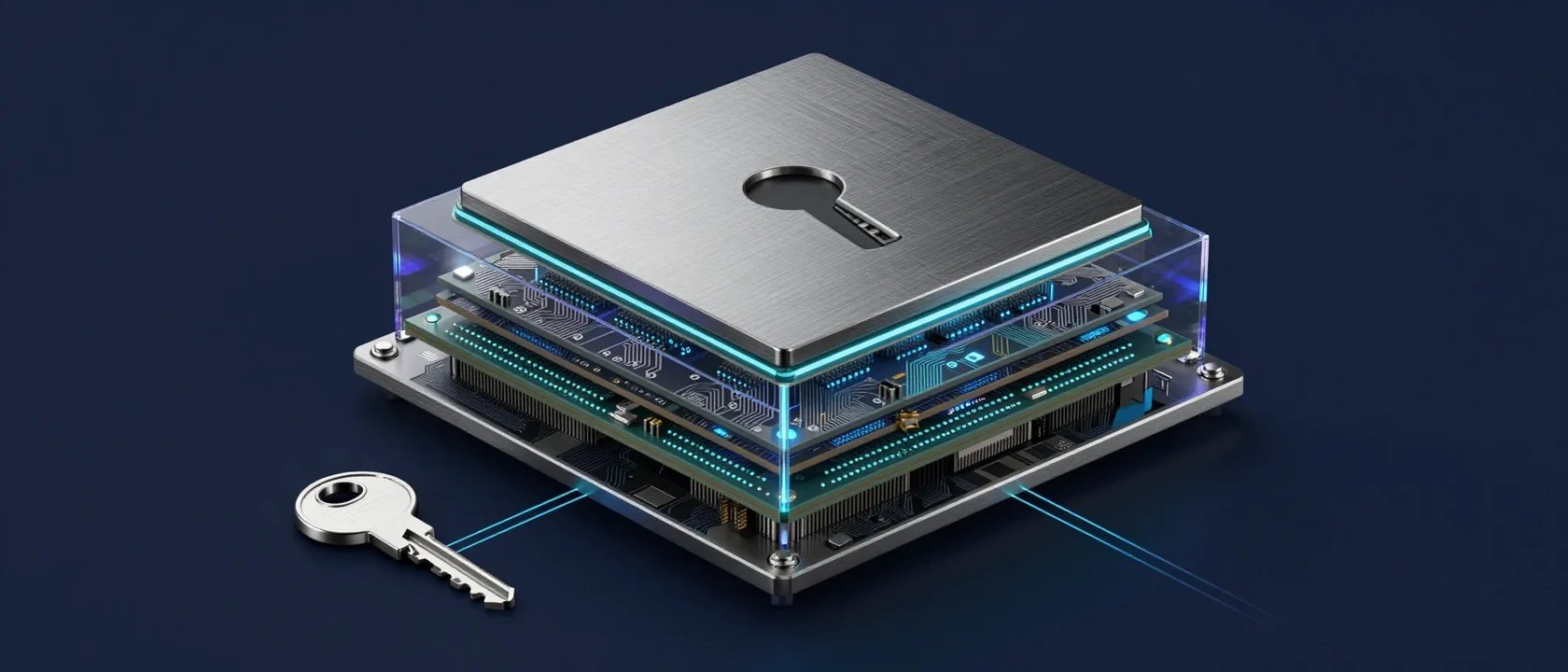
Your keys. Your control.Keys stay on users’ devices.
Altude validates and relays signed transactions.
Altude validates and relays signed transactions.
Your app signs. Altude handles the rest.
Build user-controlled experiences without operating your own transaction relay or fee-sponsorship infrastructure. Your app builds transactions and users sign locally. Their private keys never go to Altude. The Gas Station API validates the signed transaction, attaches the sponsored fee payer, and relays it to Solana.Keep control. Reduce what you have to operate.
User-held keys
Signing stays with your users. Altude receives signed transactions, not the private keys that authorize them.
Your wallet stack
Keep your existing wallet provider or local signer. Add Altude’s validation, fee sponsorship, and relay around it.
Less infrastructure to manage
Your API key selects the cluster, RPC node, and fee payer. The SDK retrieves the configuration instead of asking you to wire each service together.
Less friction for users
Sponsor Solana network fees so users can transact without a separate SOL top-up. Integrate through REST or the TypeScript and Android SDKs.
From API key to first transaction
1
Get your API key
Sign up at altude.so and create an application to receive your API key. This is the only runtime credential your app needs for Gas Station configuration.
2
Make your first call
Send a sponsored transaction with a single API call — Altude resolves the cluster, RPC node, JWT, and fee payer from that API key, then handles fee payer attachment and relay.
3
Ship to production
Move from
devnet to mainnet-beta by updating the network in your API key configuration. Your client setup should not change.How Gas Station works
Your app creates and signs a transaction locally. Altude validates it, attaches the sponsored fee payer, and relays it to the Solana network.1
Create and sign
Your app builds a transaction. The user signs it locally — private keys never leave the device.
2
Gas Station sponsors
Altude validates the transaction, adds the fee payer, and optimizes for the selected cluster.
3
Relay and confirm
The transaction is submitted to Solana. Your app receives the signature for confirmation tracking.
Ready to build?
Explore the API
Reference documentation for all Gas Station API endpoints.
Wallet integrations
Use Gas Station alongside Turnkey, Privy, Crossmint, Dynamic, or any wallet provider.
Build a payment app
See a React Native USDC payment experience with local signing and no SOL top-up flow.
Migrating from Kinetic?
Step-by-step guide for teams upgrading from the Kinetic API.
Need help? Join the developer community on Discord or reach out at andrew@altude.so.