

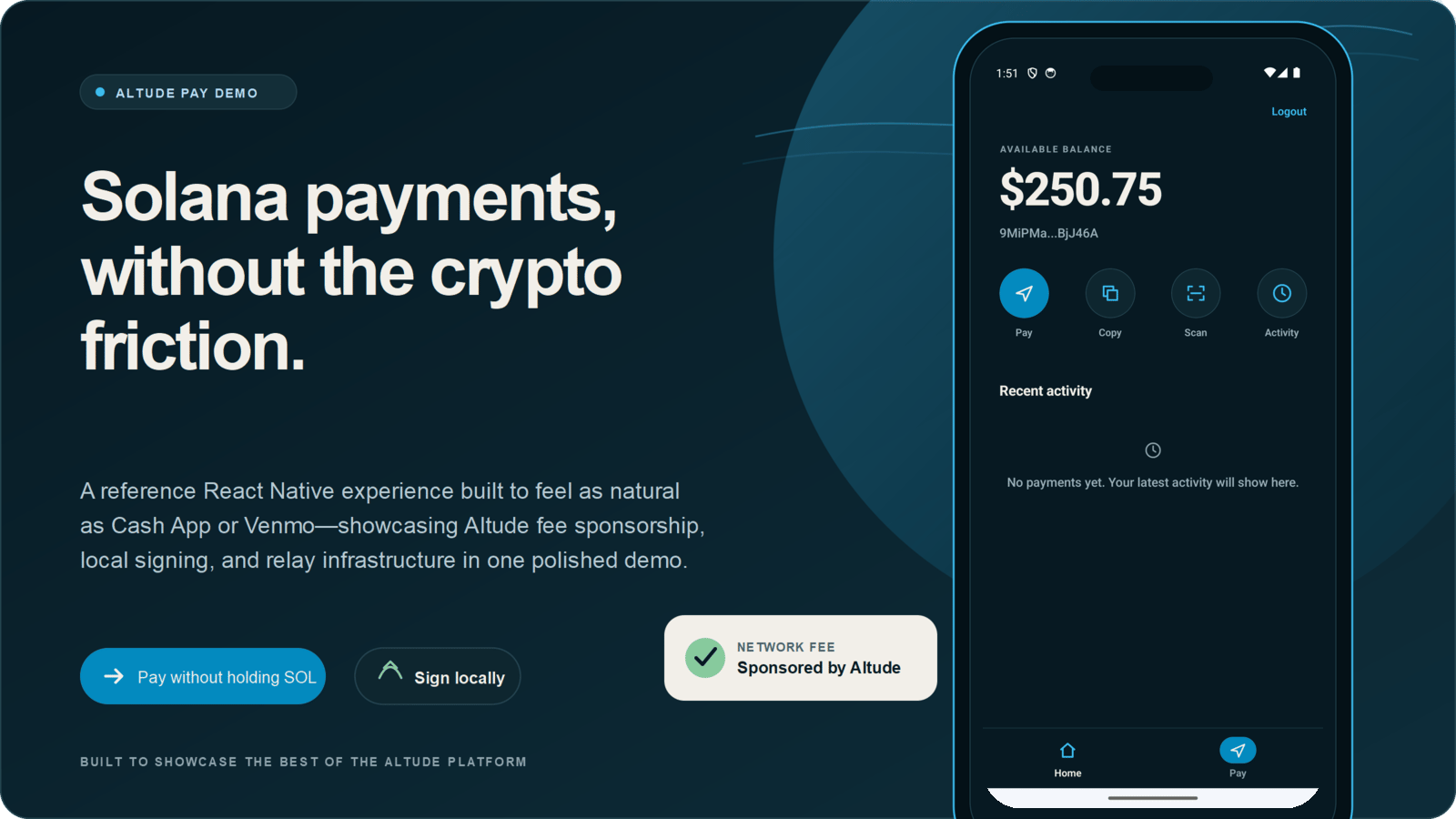
What the demo covers
Payment-first experience
Send USDC by amount and recipient without exposing gas management in the user flow.
Local approval
Build and sign the transaction on the device before sending it to Altude.
Clear payment states
Present approving, sending, confirming, receipt, and activity states in familiar payment language.
QR payment building blocks
Review the Solana Pay QR generation and scanning implementations for address-based payment flows.
@altude/core and @altude/gasstation.
How a payment moves

1
Collect the payment details
The app collects a USDC amount and recipient address through a mobile payment interface.
2
Build and sign locally
The app builds the transaction and the device signs it. Private key material does not cross the device boundary.
3
Sponsor and relay
Gas Station validates the signed transaction, adds the sponsored fee-payer signature, and relays it to Solana.
4
Confirm and present the result
The app tracks confirmation and presents a receipt and activity record instead of exposing blockchain infrastructure details.
Use the implementation as a reference
The repository provides complete examples for:- React Native application structure and navigation
- Payment and confirmation screens
- Solana transaction construction and local signing
- Gas Station integration
- React Native and Hermes configuration
Explore Altude Pay on GitHub
Review the source, setup instructions, architecture notes, and validation commands.